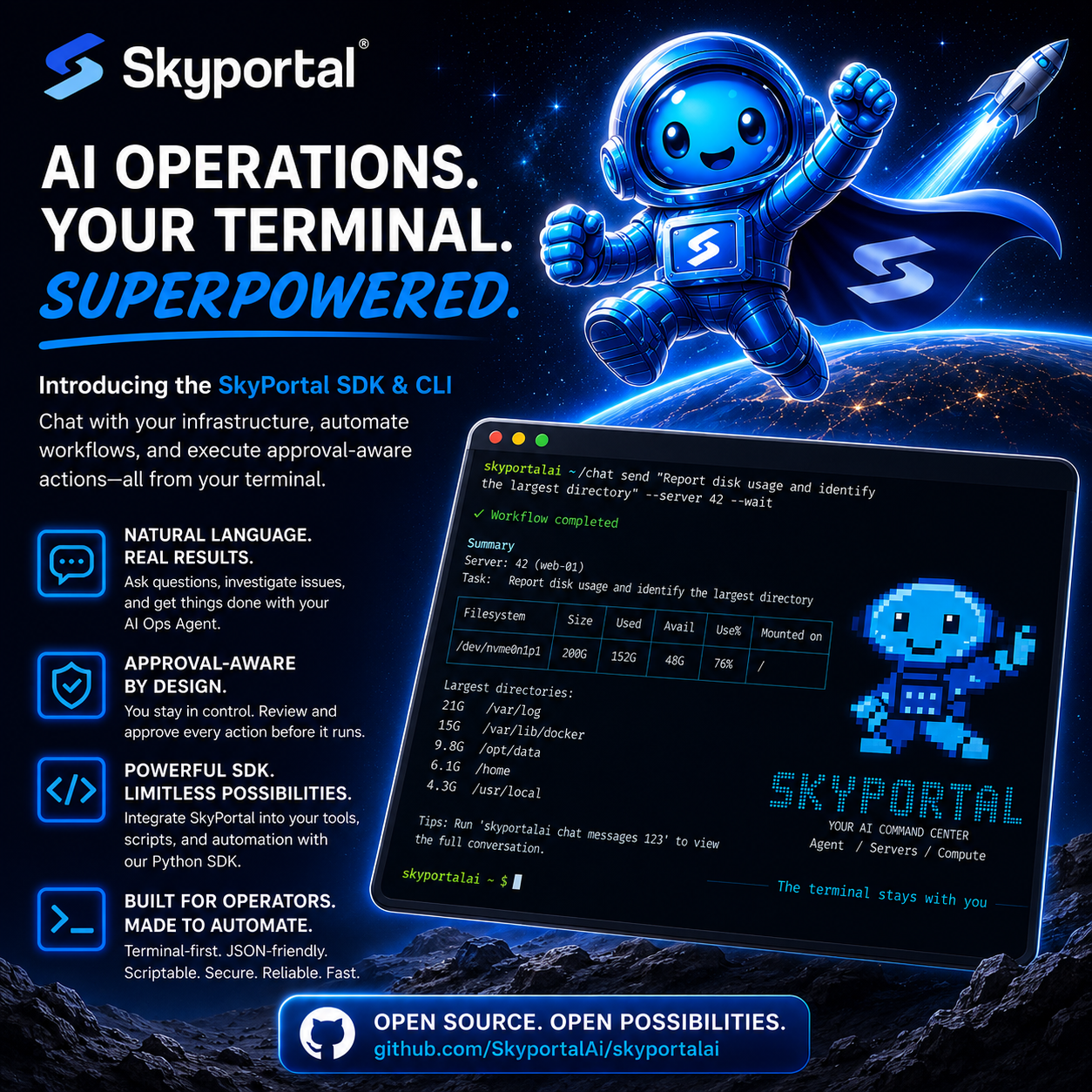
Bring AI-powered infrastructure operations to your terminal or Python applications with the SkyPortal SDK & CLI.
Infrastructure teams live in terminals, automation scripts, and Python, not browser tabs. Whether you are investigating an outage, checking system health, or automating operational workflows, switching between tools slows you down.
Today, we are introducing the SkyPortal SDK & CLI, giving you a powerful new way to interact with the SkyPortal AI Ops Agent directly from your terminal or your own applications.
Chat with your infrastructure
Ask questions, investigate issues, and run operational workflows against your connected servers using natural language.
skyportalai chat send \
  "Report disk usage and identify the largest directory" \
  --server 42 \
  --wait
Continue conversations, inspect previous messages, monitor workflow progress, or cancel active jobs without leaving your terminal.
skyportalai chat send "Now inspect the previous job logs" --chat-id 123 --wait
skyportalai chat messages 123
skyportalai chat status 123
skyportalai chat cancel 123
Whether you are troubleshooting production, validating deployments, or performing routine maintenance, SkyPortal keeps AI operations one command away.
Human approval, built in
Powerful automation should not mean giving up control.
When the AI needs permission to perform an action, SkyPortal pauses and asks for approval before anything is executed. You can review exactly what the agent wants to do, approve it, reject it, or cancel the workflow entirely.
skyportalai --json chat status 123

skyportalai chat approve \
  123 APPROVAL_ID \
  --type bash_command \
  --command "EXACT REVIEWED COMMAND"

skyportalai chat reject \
  123 APPROVAL_ID \
  --reason "Outside the approved scope"
Approval policies can be tailored to each environment, allowing production systems to remain read-only while enabling controlled changes in development or staging.
One SDK. Multiple ways to build.
The SkyPortal CLI is powered by the public Python SDK.
Everything available from the command line is also available programmatically, making it easy to integrate AI operations into your tools, scripts, CI/CD pipelines, and automation platforms.
- Create and continue AI conversations
- Target specific servers and environments
- Monitor workflow execution
- Review conversation history
- Approve or reject requested actions
- Cancel running workflows
- Access plans, events, evaluations, and environment metadata
Whether you are building internal tools or automating repetitive operational tasks, the SDK provides a consistent interface for working with the SkyPortal AI platform.
Built for automation
Every CLI command supports both human-friendly output and structured JSON, making it easy to integrate with scripts, GitHub Actions, CI pipelines, and custom tooling.
skyportalai --json chat send \
  "Check API connectivity" \
  --server 42 \
  --wait
Consistent responses and predictable exit codes make it simple to automate operational workflows while keeping humans in control when approvals are required.
Secure by default
The SDK & CLI support environment-based credentials, secure configuration, secret redaction, and HTTPS communication with SkyPortal.
skyportalai config show
skyportalai config set --base-url https://app.skyportal.ai --timeout 30
Get started
Install the SDK and CLI from GitHub:
git clone https://github.com/SkyportalAi/skyportalai.git
cd skyportalai
python -m pip install -e ".[cli]"
Then configure your API key and start working with your infrastructure:
skyportalai --version
skyportalai config show
skyportalai chat --help
Python 3.11 or newer is required.
The project is open source and available now at github.com/SkyportalAi/skyportalai .
We are excited to see what the community builds, from operational tooling and CI/CD integrations to intelligent infrastructure assistants powered by the SkyPortal SDK.